
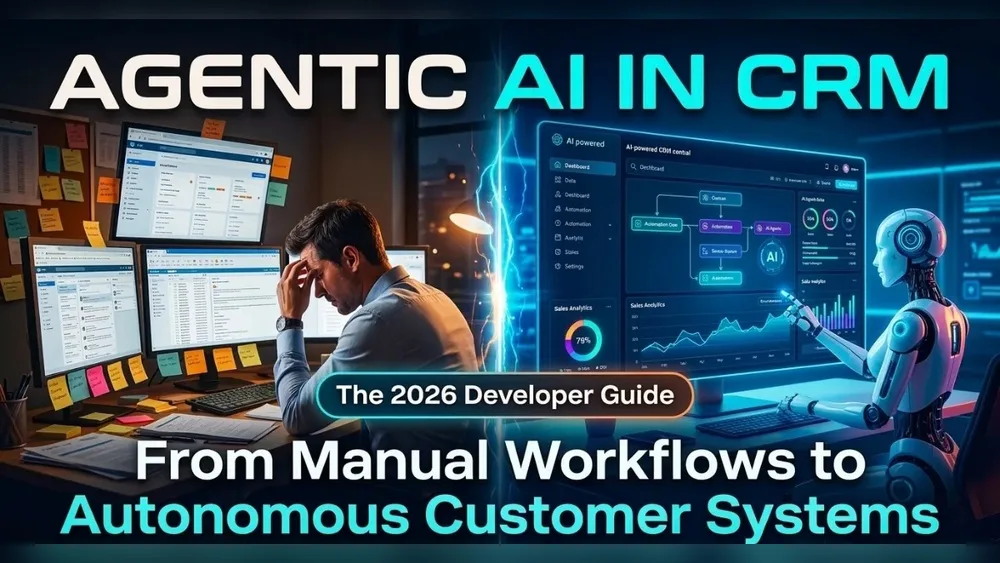
Switching from manual CRM to AI automation is changing how businesses connect with customers. Imagine spending less time on data entry and more time building real relationships. This shift is not just about technology—it’s about working smarter and creating better experiences for customers and teams.
Many companies are moving from spreadsheets and sticky notes to powerful tools that use artificial intelligence. But what does this journey look like? Why is it important, and what challenges should you expect? Let’s explore the full story, from the early days of manual CRM to the latest in AI-powered automation.
The Era Of Manual Crm
Before fancy software, manual CRM meant using notebooks, Excel sheets, or even paper files. Sales teams would write down customer information, schedule follow-ups on calendars, and rely on their memory for important details. This approach worked for small businesses and personal connections but often led to problems as companies grew.
Some common issues with manual CRM:
- Lost Data: Papers can be misplaced, and spreadsheets get outdated quickly.
- Slow Processes: Finding information takes time, and mistakes are easy to make.
- No Collaboration: Sharing updates with team members is hard.
- Limited Insights: Hard to see patterns or predict customer needs.
Manual CRM gives control but also brings risks and inefficiencies. Many businesses reach a point where these challenges block growth.
The First Wave: Digital Crm Systems
To solve manual CRM problems, companies started using digital CRM software like Salesforce, Zoho, or HubSpot. These tools help organize customer data, track communication, and set reminders. Information is stored in one place, making it easier to access and update.
Benefits of digital CRM:
- Centralized Data: All team members can see the latest information.
- Automated Reminders: Never forget a follow-up.
- Customer History: Track every call, email, or meeting.
- Reports: See which customers are most valuable.
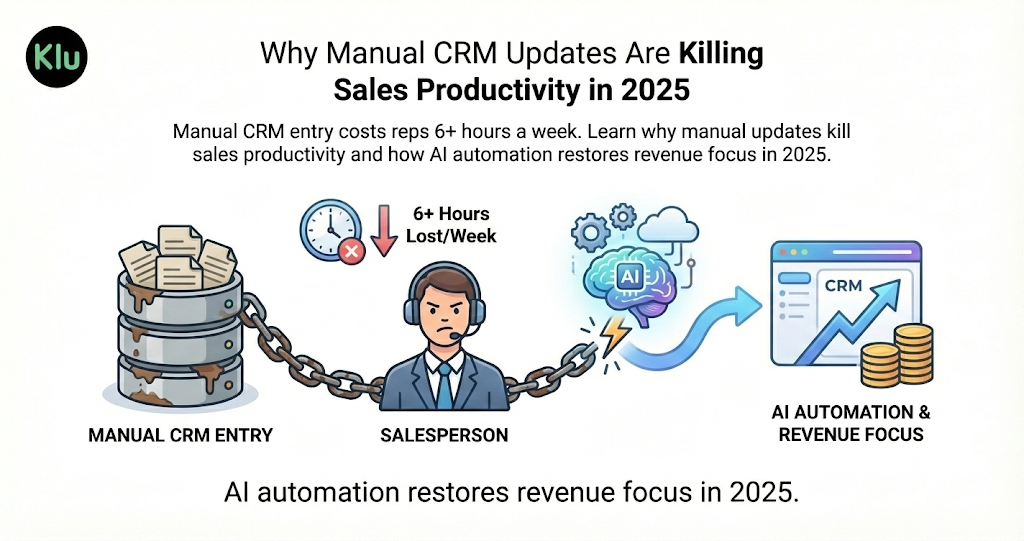
But even digital CRMs require manual work. Teams still need to enter data, update records, and analyze results. As businesses collect more data, keeping everything up to date becomes a big task.
Credit: klu.so
The Rise Of Ai Automation In Crm
AI automation is the next step in CRM evolution. It uses artificial intelligence and machine learning to do tasks that once needed human effort. This doesn’t just save time—it helps companies learn from data and respond faster.
AI-powered CRM tools can:
- Auto-fill Records: Pull information from emails or calls and update customer profiles.
- Predict Behavior: Suggest which customers are likely to buy or leave.
- Personalize Communication: Send the right message at the right time.
- Automate Tasks: Schedule meetings, send follow-ups, and answer common questions.
Let’s look at how manual CRM, digital CRM, and AI-driven CRM compare:
| Feature | Manual CRM | Digital CRM | AI CRM |
|---|---|---|---|
| Data Entry | Handwritten or Excel | Typed by user | Auto-extracted by AI |
| Follow-ups | Manual reminders | Automated emails | Personalized, AI-timed |
| Insights | None or limited | Standard reports | Predictive analytics |
| Customer Experience | Inconsistent | Improved | Highly personalized |
Key Benefits Of Moving To Ai Automation
Switching to AI automation brings new advantages that go beyond simple digital tools.
1. Saving Time
AI handles repetitive tasks like entering contact details or sending follow-up emails. Teams can focus on building relationships instead of doing admin work. For example, an AI chatbot can answer common customer questions instantly, freeing up support staff for complex issues.
2. Better Accuracy
Manual data entry often leads to errors. AI can scan emails, calls, and forms to fill records with fewer mistakes. This means you trust your data more and make better decisions.
3. Predicting Customer Needs
One big advantage is predictive analytics. AI studies past behavior to suggest what a customer might do next—like when they may want to renew a service or need extra help. Businesses can act before problems happen.
4. Personalization At Scale
AI tools analyze huge amounts of data to send messages that match each customer’s interests. For example, instead of sending a generic offer, the system can suggest products based on previous purchases or website visits.
5. Continuous Learning
AI systems get smarter over time. As they see more data, their suggestions and automations improve. This is something manual and basic digital tools cannot do.
Common Challenges When Upgrading
Moving from manual CRM to AI automation sounds great, but it’s not always easy. Many companies face obstacles during the transition.
Data Quality Issues
If your old CRM data is messy or incomplete, AI tools may give wrong results. Before starting, it’s important to clean and organize information. This step is often overlooked, but it’s critical for success.
Change Management
People get used to their way of working. Switching to AI automation can make some team members uncomfortable. Training and clear communication help everyone understand the new system’s benefits.
High Initial Costs
AI-powered tools often cost more upfront than simple spreadsheets or basic software. However, the long-term savings in time and accuracy usually make up for the investment.
Integration Problems
New systems must connect with old tools and databases. Sometimes, there are technical issues or data doesn’t sync correctly. Planning the integration phase helps avoid surprises.
Real-world Example: From Manual To Ai Crm
Consider a mid-sized travel agency with 30 sales agents. They used Excel sheets to track leads and customer preferences. As the business grew, they found it hard to remember every detail about returning clients. Sometimes, agents would forget to follow up on time, or two people would contact the same lead.
They moved to a digital CRM, which helped. But agents still had to enter data manually. After switching to an AI-powered CRM:
- The system read emails and automatically updated customer profiles.
- AI suggested which customers were most likely to book a trip soon.
- Chatbots handled simple questions, reducing call center workload by 25%.
- Revenue increased by 18% in the first year after AI adoption.
This story shows how each upgrade—manual to digital to AI—brings new benefits, but also new challenges.
How To Successfully Move To Ai Automation
Transitioning from manual CRM to AI automation is a big step. Here’s a roadmap to help:
- Audit Your Current Data: Before anything else, review your existing customer records. Fix errors, remove duplicates, and fill missing fields.
- Set Clear Goals: Decide what you want to achieve—better sales, faster support, or improved customer retention.
- Choose the Right Tool: Not all AI CRMs are the same. Compare features, ease of use, and pricing. Some popular options are Salesforce Einstein, HubSpot CRM with AI, and Zoho CRM Plus.
- Train Your Team: Make sure everyone knows how to use the new system. Offer hands-on training and support.
- Start Small: Test the system with one team or product line before rolling it out everywhere.
- Measure Results: Track key metrics like lead response time, sales growth, and customer satisfaction.
- Iterate and Improve: Use feedback and data to refine your processes and get the most from your AI CRM.
Comparing Top Ai Crm Platforms
Let’s compare three leading AI CRM tools used by modern businesses:
| Platform | Main AI Features | Best For | Starting Price (per user/month) |
|---|---|---|---|
| Salesforce Einstein | Lead scoring, predictive analytics, smart email insights | Large enterprises | $75 |
| HubSpot CRM | Chatbots, workflow automation, personalized emails | SMBs | $0 (basic), $50+ (premium) |
| Zoho CRM Plus | AI conversation analysis, sales predictions, workflow bots | Growing businesses | $57 |

Credit: www.leewayhertz.com
Two Insights Beginners Often Miss
- AI Is Only as Good as Your Data: Clean, organized data is the foundation. AI cannot fix bad information—it only makes decisions based on what you give it.
- AI CRM Does Not Replace Humans: Automation handles routine tasks, but human touch is still essential for relationship building and complex problem-solving. The best results come from blending smart tools with skilled people.
The Future Of Crm: What’s Next?
AI automation in CRM is just the beginning. In the next few years, expect even more advanced tools:
- Voice Assistants: Talk to your CRM using natural language, like “Show me leads from last week.”
- Deeper Integrations: Connect with marketing, support, and finance for a 360-degree view of every customer.
- Real-Time Analytics: Get instant insights during a sales call or chat.
- Emotion Detection: AI may soon read customer emotions in calls or emails, helping teams respond more effectively.
According to a 2023 report by Gartner, over 70% of companies plan to increase their investment in AI-driven CRM tools in the next two years. This shows that the move toward automation is not slowing down.
For more on AI’s impact on business, see this McKinsey Digital article.
Credit: intcore.com
Frequently Asked Questions
What Is The Biggest Difference Between Manual Crm And Ai Automation?
The main difference is that manual CRM relies on human effort for data entry and follow-up, while AI automation uses smart tools to handle repetitive tasks, provide insights, and personalize communication without constant human input.
Is Ai Crm Suitable For Small Businesses?
Yes, many AI CRM tools offer affordable plans for small businesses. Starting early helps companies grow without getting buried in manual work as they scale.
How Long Does It Take To Switch From Manual To Ai Crm?
The timeline varies. For a small team, it may take a few weeks to migrate data, train staff, and set up processes. Larger companies may need several months, especially if cleaning old data or integrating multiple systems.
Will Ai Automation Replace Sales Or Support Staff?
No, AI automation is designed to support teams, not replace them. It handles routine work so staff can focus on building relationships and solving complex problems.
What Data Should I Prepare Before Moving To Ai Crm?
Prepare clean and complete customer records—names, contacts, history, and preferences. Remove duplicates and fix errors to ensure the new system delivers accurate results.
Switching from manual CRM to AI automation is not just a tech upgrade—it’s a step toward smarter, faster, and more meaningful customer relationships. By understanding the journey, the benefits, and the challenges, you can make the transition smooth and rewarding for your team and your customers.
0 Comments